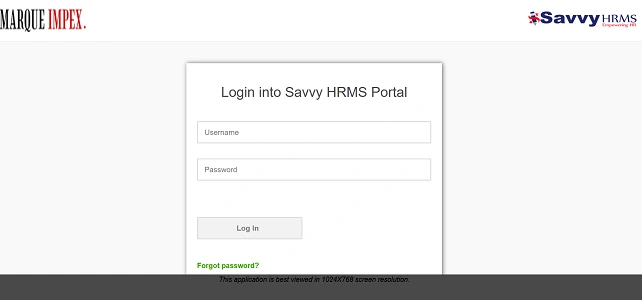
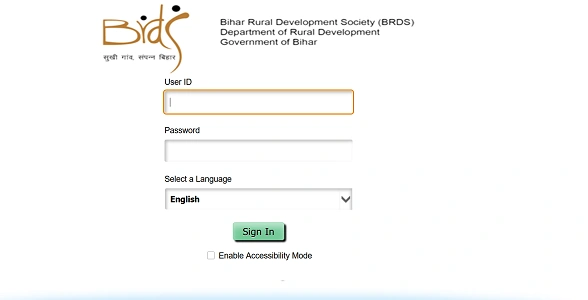
After retirement, employees do not use the regular employee login in HRMS. Instead, they are moved to a Pensioner Login system. This separate login allows pensioners to view pension slips, PPO details, life certificate status, arrears, and tax information.
Many people get confused because the portal name stays the same, but the user type changes. Here’s how to correctly check and access your pensioner login in HRMS, step by step.
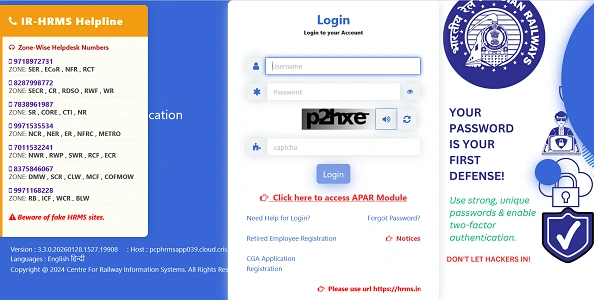
First: What Is a Pensioner Login?
A Pensioner Login is activated only after:
- Your retirement is approved
- Your PPO (Pension Payment Order) is generated
- Your details are pushed from HRMS to the Pension / IFMS / Bhavishya system
Until PPO is issued, pensioner login will not work.
1. How to Check Pensioner Login in Central Government HRMS
For Central Government retirees, pensioner services are mainly handled through Bhavishya, which is integrated with e-HRMS 2.0.
Step-by-Step
- Open the official portal:
- 👉 https://bhavishya.nic.in (or access via ehrms.gov.in → Pension)
- Look for “Pensioner Login” / “Retiree Login”
- Choose login method:
- PPO Number, or
- Registered Mobile Number
- Enter:
- PPO Number
- Date of Birth
- OTP received on your registered mobile
- Log in to access:
- Monthly pension slip
- Pension details
- Life certificate status
- Form 16 (pension)
📌 If login fails, it usually means PPO is not yet activated.
2. How to Check Pensioner Login in State HRMS / IFMS
Most state governments provide a separate pensioner window within HRMS or IFMS.
Common Steps
- Open your State HRMS / IFMS portal
- On the login page, look for:
- User Type
- Select Pensioner
- Enter:
- PPO Number
- Password / Date of Birth
- Complete OTP verification (if enabled)
- Typical Services Available
- Pension slip download
- Arrear details
- Life certificate status
- Bank account details
- Pension revision info
📌 If you don’t see “Pensioner” as a user type, your state uses a separate pension portal.
3. How to Know If Your Pensioner Login Is Active
You can confirm activation if any one of these works:
- You can log in using PPO number
- You receive OTP on registered mobile
- Pension slip for at least one month is visible
- Bank has started regular pension credit
If none work, PPO activation is still pending.
4. What to Do If Pensioner Login Is Not Working
Problem: “Invalid PPO”
- PPO not yet uploaded by PAO / Treasury
- Wait 7–15 days after retirement
Problem: “Mobile number not found”
- Mobile not updated in HRMS before retirement
- Contact pension section or bank
Problem: “Password unknown”
- Use Forgot Password
- Or reset using DOB + PPO
Problem: Login works but no slip visible
- Life certificate not submitted
- Pension processing for month not completed
5. Alternative Ways to Access Pension Details
If HRMS login is temporarily unavailable:
- Bank Pension Portal (SBI, PNB, etc.)
- Net banking / mobile banking
- DigiLocker (for e-PPO and pension slip)
- Jeevan Pramaan portal (life certificate status)
Important Tips for Pensioners
- Always keep PPO number handy
- Ensure mobile number remains active
- Submit Life Certificate every year (Nov)
- Update bank details only through official channel
- Never share OTP or login credentials
Final Words
Pensioner login in HRMS is separate from employee login and becomes active only after PPO generation. Once activated, it becomes your single digital window for pension, slips, arrears, and certificates.